How Qpay works
From opening the app to paying in installments, in eight steps.
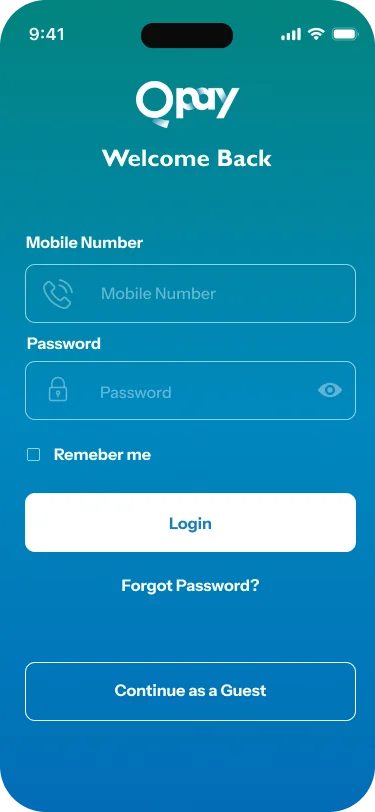
Sign in
Open the Qpay app and log in with your mobile number. New to Qpay? Register in the app first.
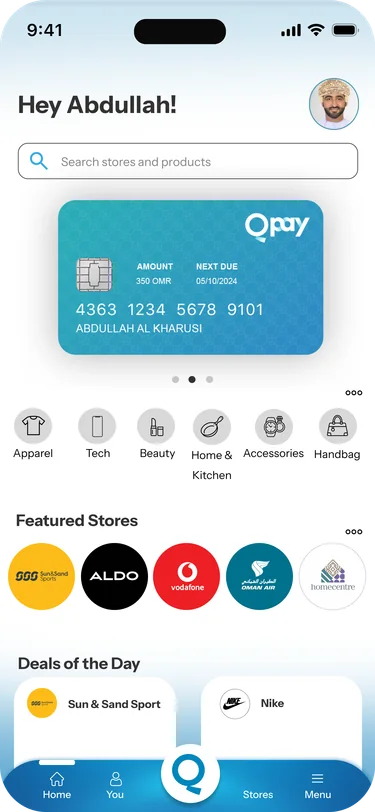
Find a store
Browse categories, featured stores and deals, or search for the store you want.

Pick what you want
Choose your items at the store, online or in person, and say you will pay with Qpay.
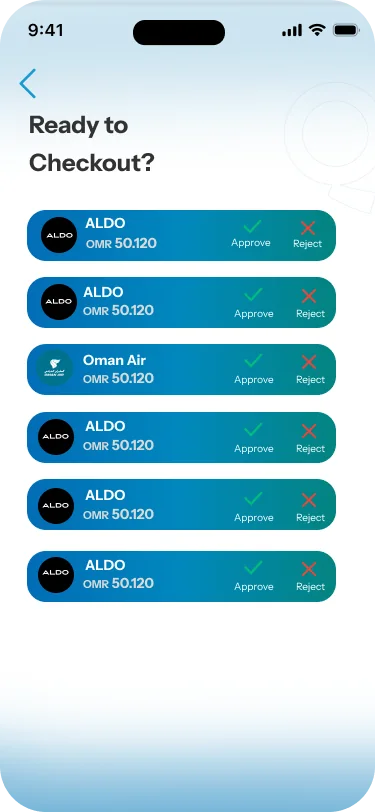
Approve the purchase
The store sends the purchase to your app. Check the amount and tap Approve.
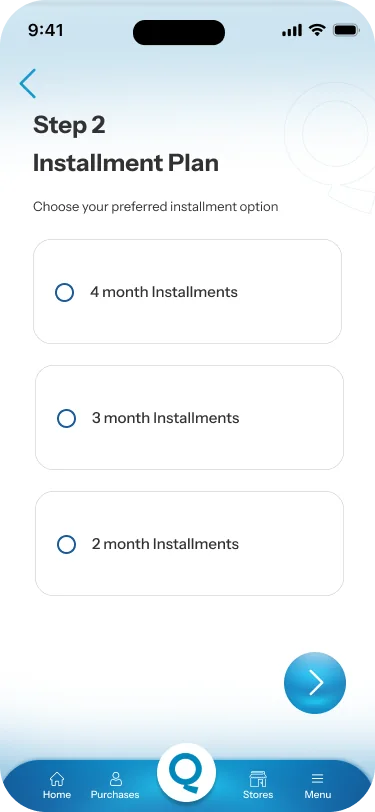
Choose your plan
Pick one of the installment plans the store offers.
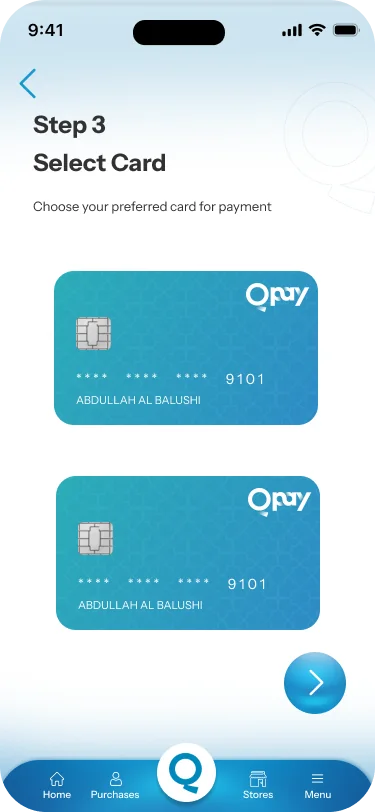
Select your card
Choose the debit card your installments will be paid from.
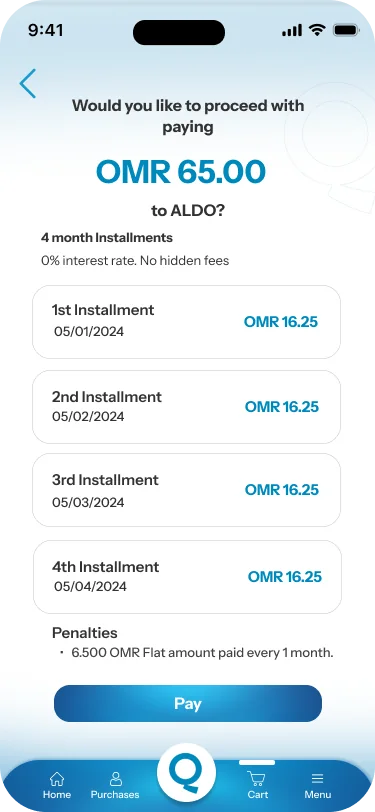
Review and pay
See every installment and its date before you confirm. You pay the first one now.

All done
Your purchase is complete. Follow your installments in the app, and we remind you before each one is due.
Ready to start?
Download the app, register, and shop at any Qpay store.